
Smart Apps and Systems That Cut Stress and Save Time
Back to school and back to work often feels like spinning plates. Meetings, school bags, shopping lists, your own priorities. The problem is not you. It is your system. Your brain was never designed to carry it all. The solution is not more effort, but smarter tools. With the right apps and systems, you can save time, reduce arguments, and free up mental space for the things that matter most.
(For the full list, scroll down to download my free cheat sheet!)

Shared Calendars for Families & Professionals
Best for: keeping everyone on the same page
GOOGLE CALENDAR: Free, works on all devices, integrates seamlessly with Gmail and other apps.
COZI: Built for families, with colour coded events, shared chores, and meal planning features.
STRUCTURED: A clean, visual timeline of your day for those who prefer to see their time at a glance.
Space Coach Tip: Start with a calendar if scheduling clashes are your biggest stress. When everyone can see the same plan, “who’s doing what” stops being a daily argument.
Smart Lists for Shopping, To-Dos, and Packing
Best for: never forgetting essentials again
ANYLIST: Real-time synced grocery lists that everyone can add to.
GOOGLE KEEP: Simple, no-frills notes and to-do lists that update across devices.
PACKR: Automatically generates packing lists for stress-free trips.
Space Coach Tip: This is where most households see instant relief. Moving shopping lists and to-dos out of your head and into a shared system means you no longer carry the memory for everyone else.
Focus & Time Tools That Keep Tasks Moving
Best for: turning plans into action
NOTION: An all-in-one hub for tasks, projects, and notes in both work and home life.
TRELLO: Visual boards that break down weekly plans, school projects, or household admin.
FOREST: A focus app that helps parents and kids stay present by rewarding focus with a growing tree.
Space Coach Tip: Writing things down is easy. Following through is the challenge. Tools like these provide structure and accountability so the important tasks actually get done.
Whiteboards as a Simple Weekly Anchor
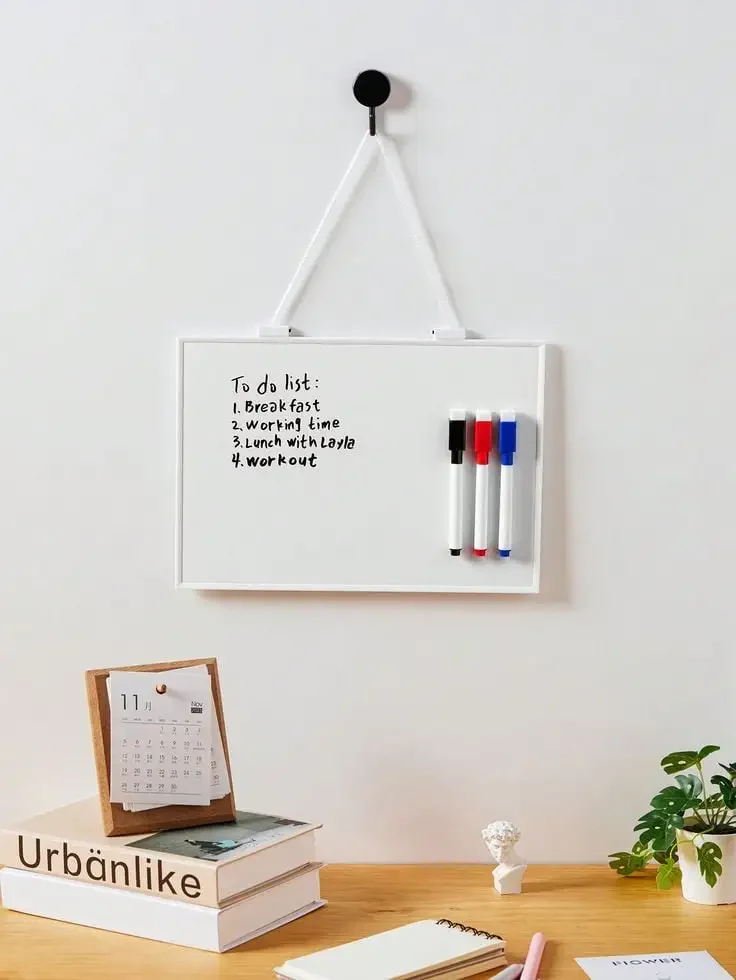
Best for: keeping priorities visible in busy households
Sometimes the old-school methods are still the most effective. A whiteboard in the kitchen or hallway is a quick way to make the week’s key tasks visible. The secret is consistency—update it at the same time every week, like Sunday evening.
Space Coach Tip Use your whiteboard for top-line priorities, not every detail. Think “this week’s focus” rather than a full calendar. That way it stays clear and useful instead of overwhelming.
Why This Matters
When tasks and schedules live in systems instead of in your head, three things happen. Stress levels drop. Forgotten tasks disappear. And responsibility gets shared. You stop being the walking reminder service, and the load becomes lighter for everyone.
Take The Next Step
Ready to find the tools that work best for you? Download my free Smart Tools Cheat Sheet. It breaks down the main systems and apps, shows who they work best for, and helps you choose the one that will make the biggest difference in your week.
Download your free Smart Tools Cheat Sheet here.
Want more information about how I can help create calm in your life? Contact me at brielle.thespacecoach@gmail.com or reach out on whatsapp +316 4127 3515
